Aaawww! Just how doggone cute was Seamus as a puppy???

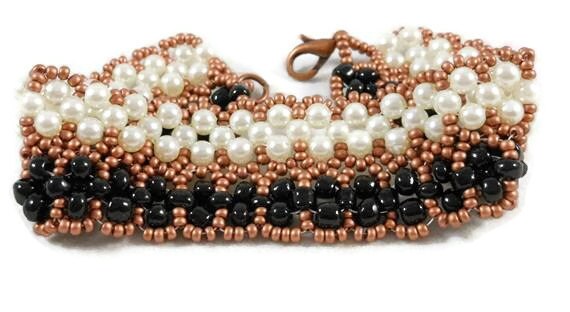
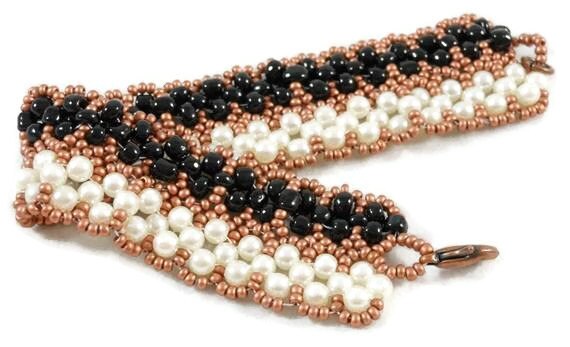
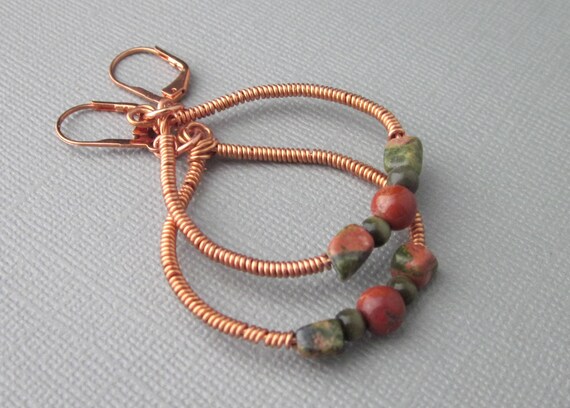
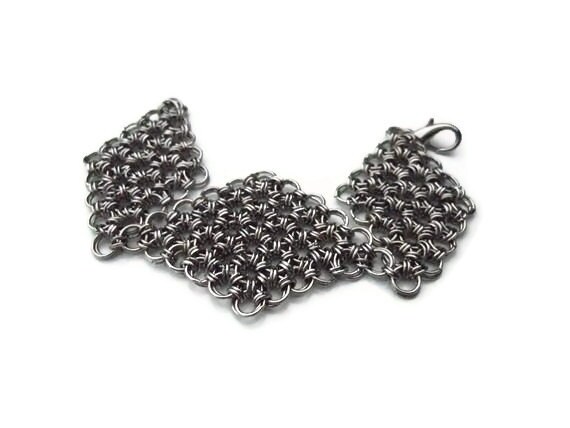
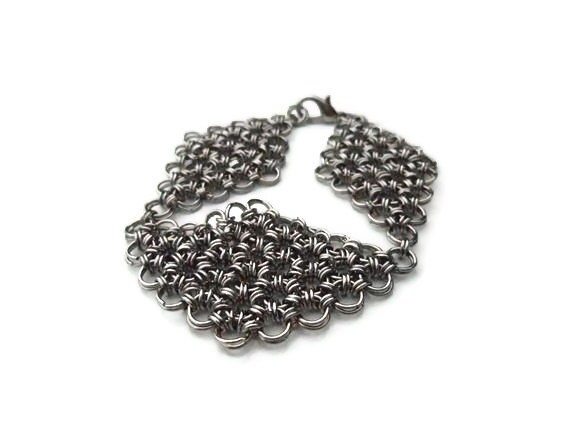
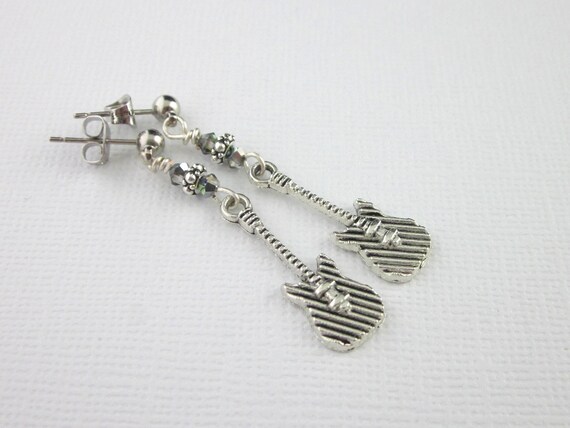
Some of you have clickable photos back to the item in your shop. And some of you don’t. So I want to share how to make your photos clickable on Blogger if you decide you want to do that.
After adding your item photo(s) when working on your blog:
1. Copy the item URL in your shop.
2. Click on the photo in the blog. It will look shaded.
3. Look at the blog dashboard. The link icon will be shaded. Click on it to "unshade" it.
4. Click on the photo again to shade it.
5. Click on the link icon again and a dialog box will show up. Paste the item URL and click "OK"
The photo should be clickable when you share the post.
I hope this helps.
By the way, the pic of Seamus as a puppy isn’t clickable (I just wanted to share how adorable he was as a puppy - besides, he's NOT for sale) but the item photo is clickable.